If upscaling and ray tracing matter
- Pick RTX 5070
- DLSS + frame gen Yes
- Detail Worth it when the games you play support both features.
 Quandrel Graphics Store
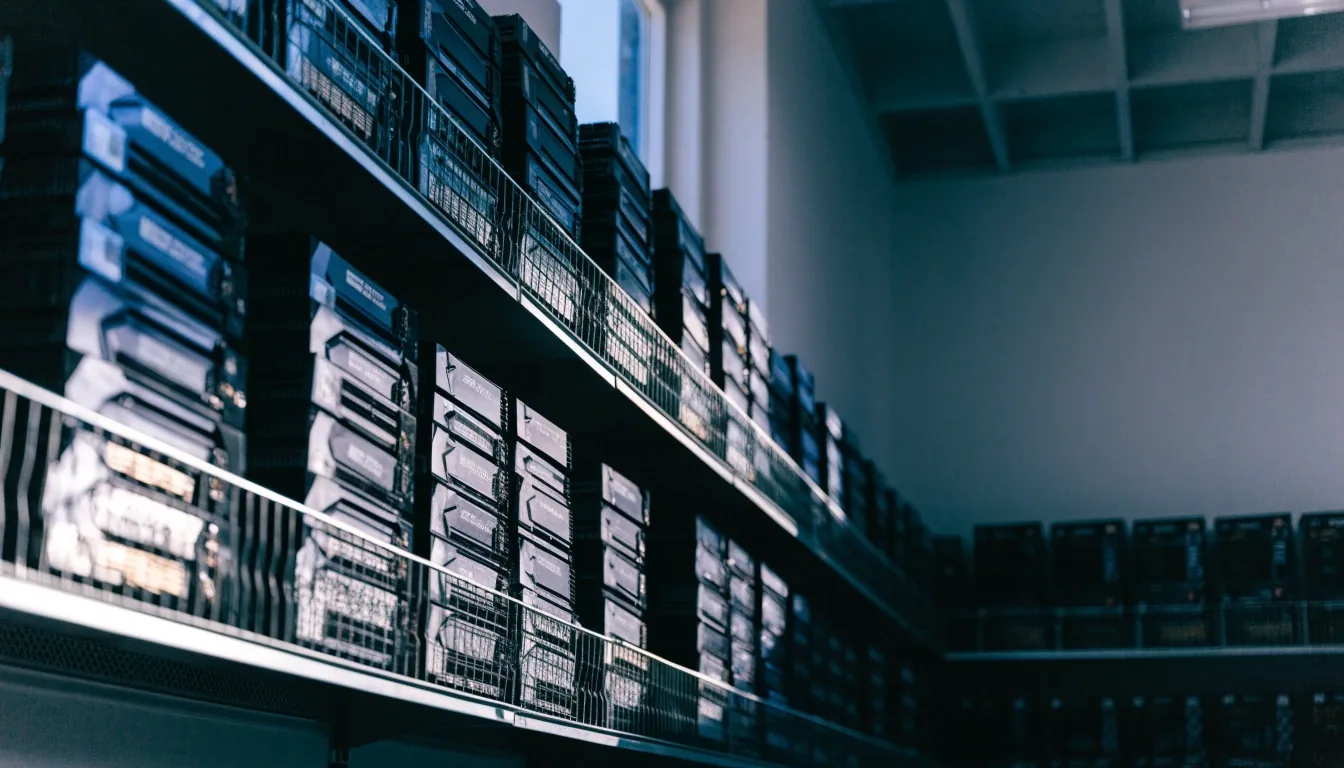
GeForce RTX 50 series · Busan counter notes
A midrange RTX 50 card built for 1440p gaming, with DLSS and frame generation covering the times you push toward 4K. Here is what it does well, what it costs in Korea, and where it stops being the right pick.
NVIDIA launched the GeForce RTX 50 series in 2025, and its Korean marketing leans on 4K gaming and DLSS features. Inside that family the 5070 is the mainstream enthusiast model: not the flagship, not the entry point. It targets buyers who want current-generation features without paying the top-tier price.
At our Haeundae counter it is the card people ask about most, usually right after they have looked at a 5080 and decided the budget will not stretch. If your monitor is 1440p, this is the tier most buyers land on — and the one where the price conversation stays reasonable.
Figures from published Korean retail coverage; check the current listing before you plan a build.
At 1440p the RTX 5070 is comfortable across demanding titles, and DLSS helps when you want higher refresh rates on a fast panel. That is the resolution the card was designed around, and it is where most of the value sits.
At 4K it can work, especially with upscaling and frame generation switched on, but it is not a native 4K card. Treat 4K as headroom rather than the default setting you build the whole machine around. If 4K is your main goal, look higher in the RTX 50 range or plan to lean on DLSS for every demanding game.
One practical note for our counter: bring your monitor resolution and refresh rate with you. The answer changes a lot between a 1440p 165Hz panel and a 4K 60Hz one, and it changes again if you plan to upgrade the monitor before the card.
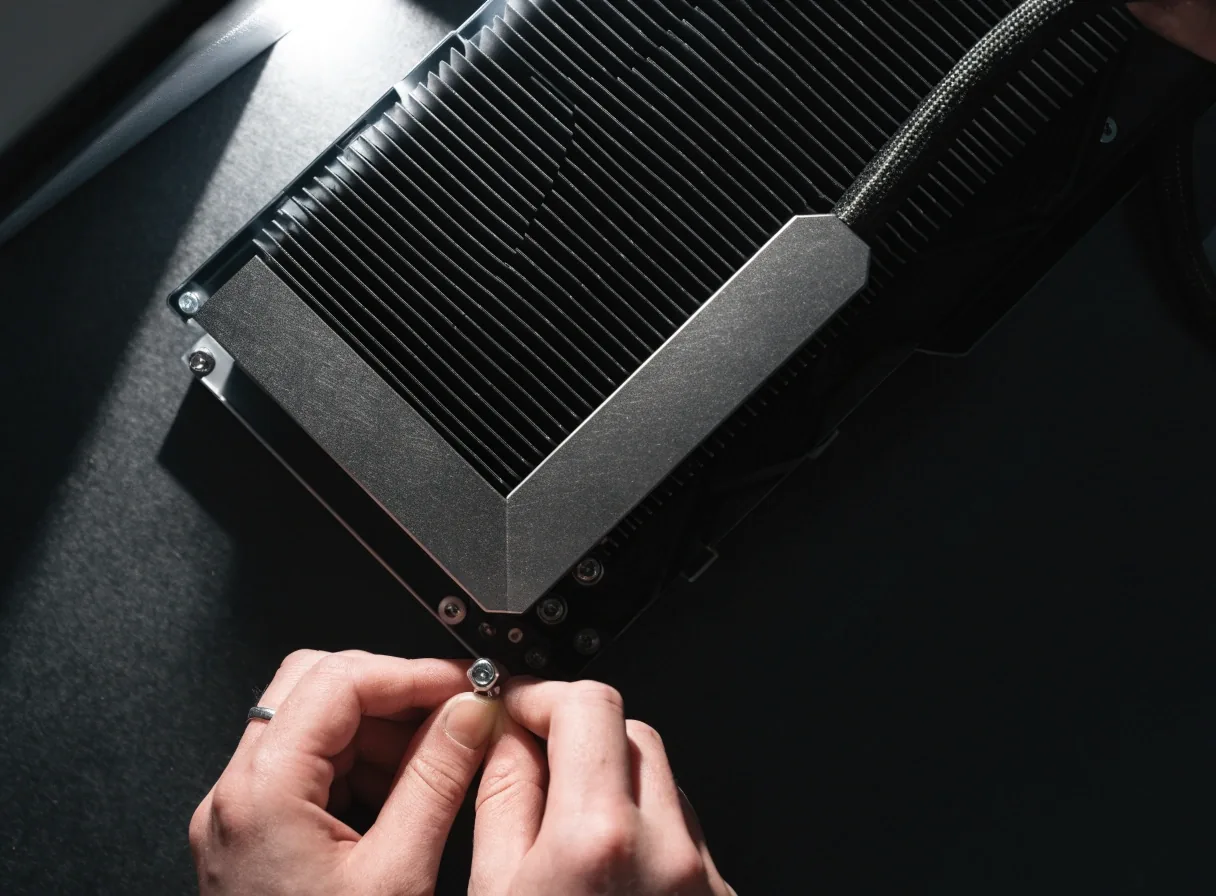
The RTX 50 generation uses GDDR7 memory, and in Korea that memory is part of the pricing story. South Korean coverage linked RTX 50 price pressure to rising GDDR7 memory costs, with Samsung and SK Hynix named among the firms producing it. Higher memory cost moves card prices even when the GPU itself has not changed.
A price that drifts between visits is usually memory and supply pressure, not a new GPU. Compare month to month with that in mind, and do not read a rise as a sign the card got better.
Frame rates at 1440p stay where they were. If a listing jumps, you are paying more for the same card, which is exactly the moment a used RTX 40-series comparison becomes worth doing.
Ask us for the current listing price rather than a figure from a few months back. Stock and import conditions move listings as much as memory cost does. The buying guide walks through what to compare first.
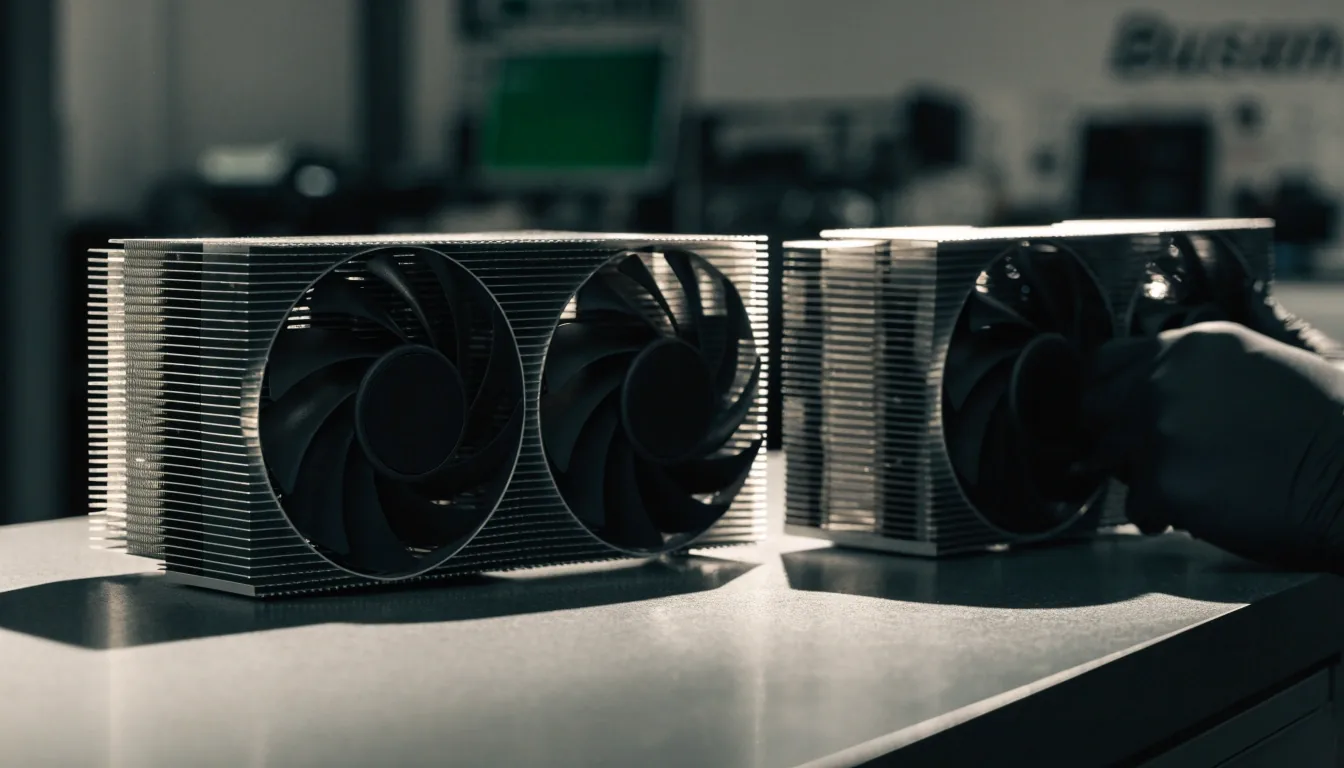
DLSS is NVIDIA's upscaling technology, and frame generation creates additional frames from the rendered ones. Together they can lift smoothness noticeably in supported titles. Ray tracing improves lighting and reflections at a performance cost, which DLSS helps offset. These features are a real part of why buyers accept the RTX 5070's price, so set expectations around them rather than around raw raster performance alone.
Feature support varies by game; check the title you actually play before you buy.
≈ 1,100,000 KRW · 2026 listings
Korean coverage in 2026 reported the RTX 5070's local price around 1.1 million KRW in some listings after increases. Danawa-based reporting showed it rose more modestly than the RTX 5090 over the same stretch, so it was not the most volatile card in the family.
Two things follow from that. First, the 5070 is the tier where the RTX 50 price conversation stays manageable — the jumps hurt, but they are smaller here than at the top of the range. Second, prices still move with stock and memory cost, so check our current listing rather than working from a number someone quoted months ago.
If you want to know how a listing compares to the wider Korean market, ask at the counter or send us a message on the contact page and we will go through it with you.
Most Busan buyers choosing at this tier are deciding between the RTX 5070 and the AMD Radeon RX 9070. The Radeon sits in the RX 9000 series and is aimed at performance buyers who skip the top AMD tier. Which one suits you comes down to price, availability here, and how much you value DLSS and ray tracing.
Swipe the lane. We keep both cards on the comparison page with current pricing.
Upgrading to a 5070 from an RTX 30-series card is a real step, and it is worth checking whether a used RTX 40-series card would cost less for similar output. The RTX 30 family remains the fallback comparison whenever new cards climb in price — plenty of buyers at our counter run one happily and only move when a specific game stops cooperating.
If your current card still holds 1440p at the settings you actually use, the upgrade math may not work yet. That is a normal answer, and we will say so rather than sell you a card you do not need.
The honest test: name three games you play now and the settings you run them on. If none of them struggle, wait. If two of them force you down to medium, the 5070 starts to look reasonable.
Make three checks before committing to a 5070. Bring the details to the shop and we can confirm fit in minutes rather than after the box is open.
Current-generation cards expect more power than the 30-series did. Check your PSU wattage and which PCIe power connectors it has. If you are unsure what you own, photograph the label on the side of the unit and we will read it with you.
Three-fan models are long. Measure from the rear bracket to whatever sits in front of the card — a front intake fan, a drive cage, or a cable bundle. A card that fits on paper can still sit against a cable that pushes the side panel.
The card's value depends on whether your monitor is actually 1440p or higher. On a 1080p panel it is more card than most games need, and the money is better spent on the display first.
It can handle 4K with DLSS and frame generation, but it is a 1440p card by design. For native 4K, look higher in the RTX 50 range.
South Korean coverage linked RTX 50 price pressure to rising GDDR7 memory costs, with Samsung and SK Hynix among the producers. Stock and import conditions also affect listings.
No, it performs well at 1440p without it. DLSS and frame generation mainly help when you want higher refresh rates or push toward 4K.
Often yes, but it depends on wattage and the connectors your unit provides. Describe or photograph the label and we will tell you whether it is a fit before you order.
Stock changes with shipments, so we do not publish a fixed number here. Check the catalog listing for what is currently on hand, or call the counter during opening hours and we will confirm before you travel.
Stop by the counter at 15, Centum 1-ro in Haeundae-gu, or call ahead and we will have the card and a fit check waiting. Open Monday to Friday, 09:00–18:00.
Quandrel Graphics Store · +82-51-740-2211 · [email protected]