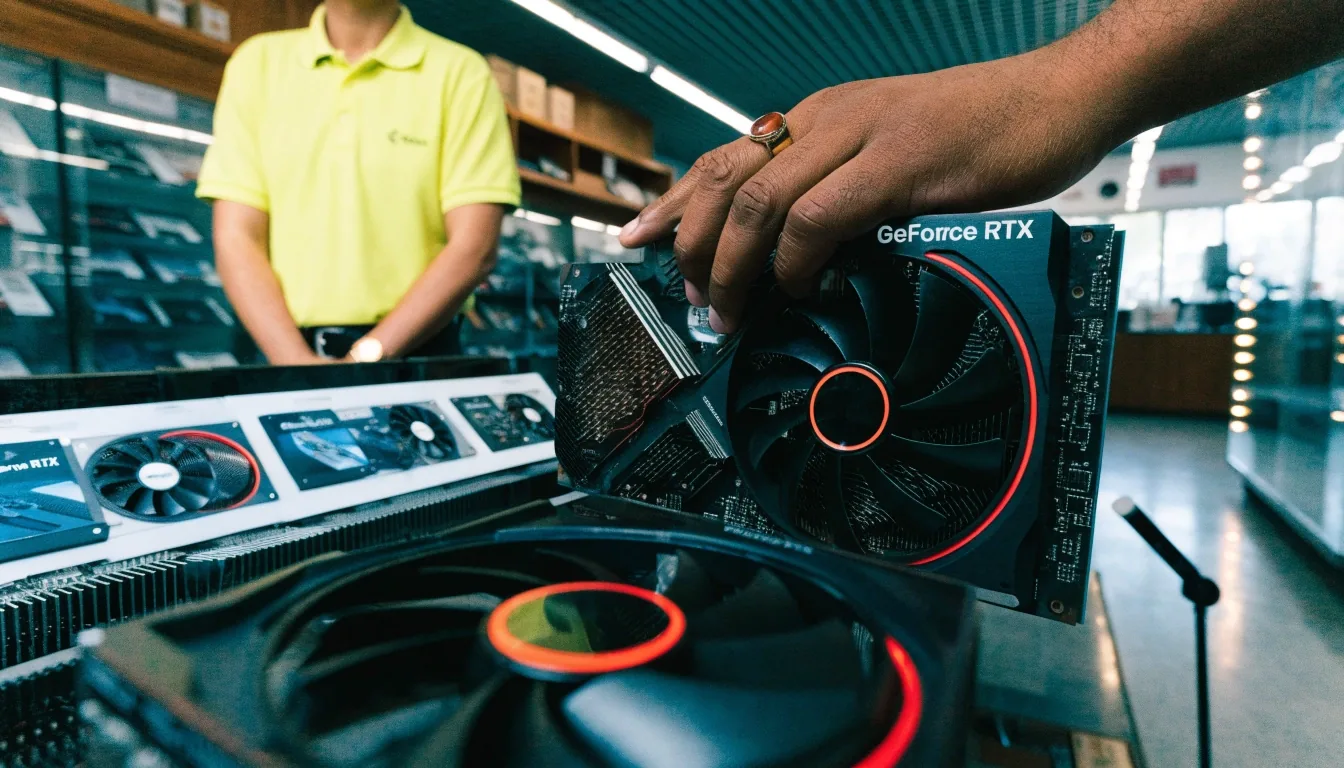
GeForce RTX 5070
1440p target
- VRAM12GB
- CoolerDual-fan
- Price₩1,120,000
Midrange enthusiast pick with DLSS frame generation and ray tracing. Suits buyers who want current-generation features without chasing the top tier.
1 2 3 4 5 × ×
 Quandrel Graphics Store
Catalog · Haeundae-gu, Busan
This page works out which graphics card family fits your build. Each entry says what the card is for, who it suits, and what to check before you buy.
Cards are grouped by resolution target and budget band, not by brand loyalty. A 1440p buyer and a 4K buyer should not be looking at the same shortlist, and an entry-level builder should not be pushed toward midrange.
Pick your resolution first, then your budget ceiling, then compare within that group. Stock moves around Haeundae week to week, so treat every model here as a starting point and confirm it with us before you set a build date.
Five families, grouped by the resolution they are built for. Read across a row for the essentials; read down a column to compare one spec fairly across every card.

VRAM capacity has to track your resolution and texture settings, not your budget alone. 8GB is a 1080p size in practice. 12GB is a workable 1440p floor. 16GB gives room for texture packs and a longer useful life before you think about replacing the card.
Buying a card with less VRAM than your resolution needs is the mistake that shows up as stutter and texture pop-in, not as a low frame counter you can see. Cooler class matters just as much in a small Korean case: a triple-fan card runs quieter but needs more length and often a wider panel gap than a compact dual-fan model.
If you are between two cards and one has more VRAM at a similar price, the larger buffer is usually the safer long-term buy.
Swipe the lane on a phone, or scroll it with a trackpad. Each strip carries the same fields as the index above so you can hold two cards in view at once.
Before you ask whether a card is available, have three things ready: your monitor's resolution and refresh rate, your power supply model and wattage, and your case's maximum card length in millimetres. With those three answers we can tell you in one reply whether a card in this catalog actually fits your build.
Measure the clearance from the rear bracket to the front fan or drive cage, not the case's advertised maximum. Real builds lose millimetres to cable routing and front intake frames. If your PSU sits near the card, note which cables run in front of it.
GPU prices in Korea respond to memory costs, import conditions, and retailer stock. GDDR7 pricing has been a visible factor behind RTX 50 price movement, and Samsung and SK Hynix are among the Korean firms tied to that memory supply chain.
If you need the card now, buy what fits your resolution and budget rather than waiting on a movement nobody can time. If you are flexible, ask what is expected in the next shipment and we will tell you honestly whether it is worth holding.
Still deciding between two models? The side-by-side comparison lays the families out field by field, and the buying guide walks through matching a card to a full build.
Not sure where to start? Tell us your screen and your budget.
Ask which card fits my PCShort answers to the things buyers ask most often when they are holding two cards and cannot decide.
The RTX 5070 and RX 9070 are the current midrange picks, and a discounted RX 7800 XT is a value alternative. It depends on what is in stock when you ask.
It is aimed at 1080p builds. At 1440p you will be tuning settings down, sometimes sharply. We would point you a tier higher for that resolution.
Message us with the model and we will confirm stock and hold options. Holds are kept short because demand moves fast on newly listed cards.
We inspect used cards we take in before they go near the catalog, so anything listed as inspected used has been looked over by us first. Bring the card in and we will tell you what it is worth to us as it stands.
Quandrel Graphics Store is a graphics card shop in Busan. We sell the cards listed here, help you match one to your build, and take trade-ins on used cards we have inspected ourselves. This catalog is our own shelf, not a feed pulled from other retailers.
That means when a price is listed it is the price we last had on the shelf, and when a model shows as suspended we simply do not have it right now. Ask, and we will tell you straight whether it is worth waiting.
Five families on one line each