
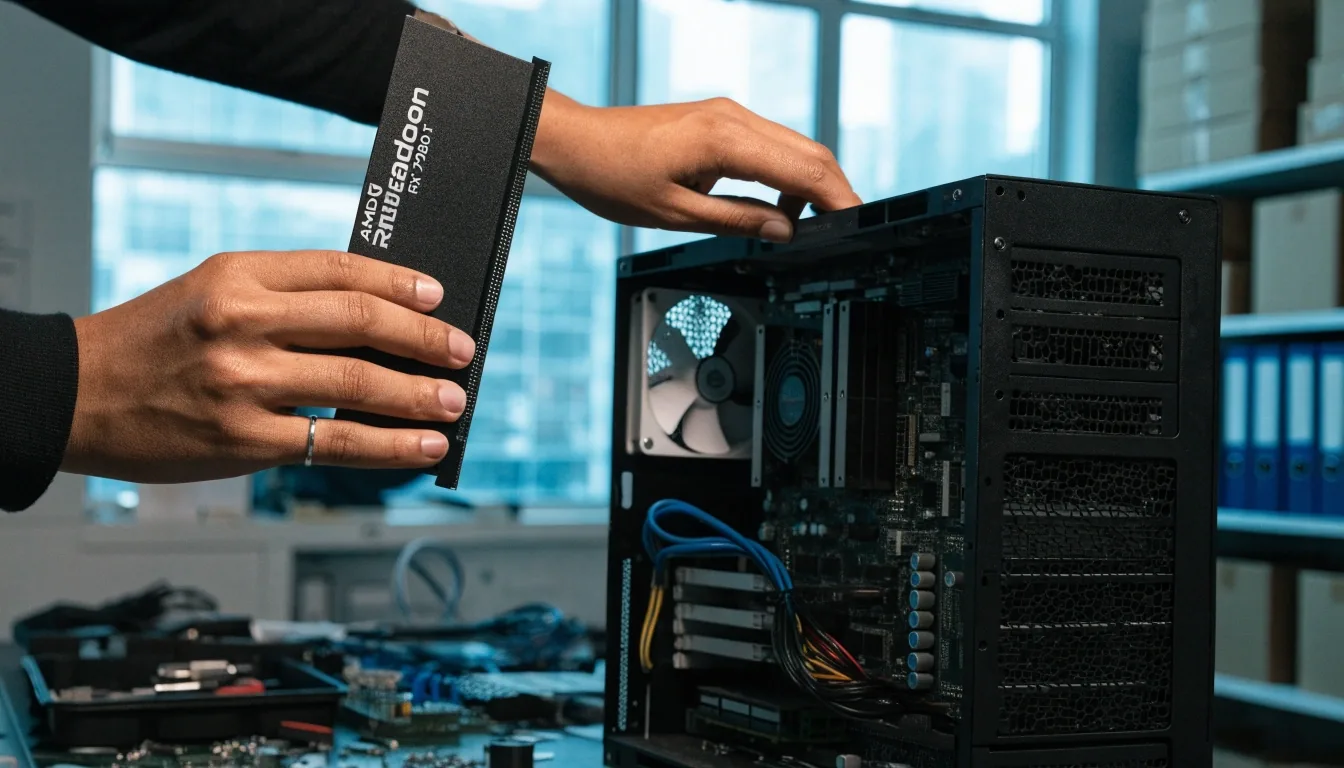
Technician seating a graphics card into a computer case at a counter workbench under cool daylight

Busan counter guide

How to choose your first graphics card

Most first-time buyers here make the same few mistakes: a card for a resolution they do not play at, a power supply that cannot feed it, a shroud that will not fit the case. Start with three facts about your machine and the choice gets simple.

Three facts decide the shortlist

Bring these to the counter and the field of candidates usually drops to two cards. Everything below in this guide hangs off them, and none of them require you to know a model number before you walk in.

If you are unsure about any one of the three, write down what you can and we will read the rest off the label or the case together.

Plan a visit to the Busan counter
  • Monitor resolution and refresh rate 1080p · 1440p · 4K

    Found in display settings, or on the box the monitor came in. Refresh rate tells us whether a faster card is worth paying for at all.

  • Power supply wattage and connectors 650W and up

    Printed on the label inside the case, alongside the cable list. Photograph the label if the case is hard to open.

  • Case clearance in millimeters Rear bracket to fan

    Measured from the rear expansion bracket to the front fan or drive cage. This is the number buyers forget most.

  • Days 1–7 below mark which cards are regularly stocked at the counter, which come in on order, and which are unavailable right now.

Mistake one: buying above your monitor

The most expensive error is a card your display cannot use. A 4K-capable GPU on a 1080p 60Hz monitor spends most of its power doing nothing you can see: the panel refreshes sixty times a second no matter how fast the card can render.

Match the card to your panel first. Entry cards suit 1080p, the midrange group is the natural home of 1440p, and 4K only makes sense if you actually own a 4K display you intend to keep. Everything else in this guide follows from that decision.

Two edge cases worth knowing before you shop. A 1080p panel running at a high refresh rate, 144Hz and up, does reward a faster card, because the monitor can show the extra frames. And an older 4K panel capped at 60Hz needs less muscle than a new 4K high-refresh screen, so the same resolution can point you at two different tiers.

Panel to tier

  • 1080p Entry cards are enough; 8GB of memory reads comfortably here
  • 1440p Midrange group; 12GB keeps you out of trouble on textures
  • 4K Only if you own the display; 16GB gives real headroom
  • High refresh 144Hz+ at 1080p or 1440p justifies spending one tier up

Bring your monitor model and we will check the tier against it.

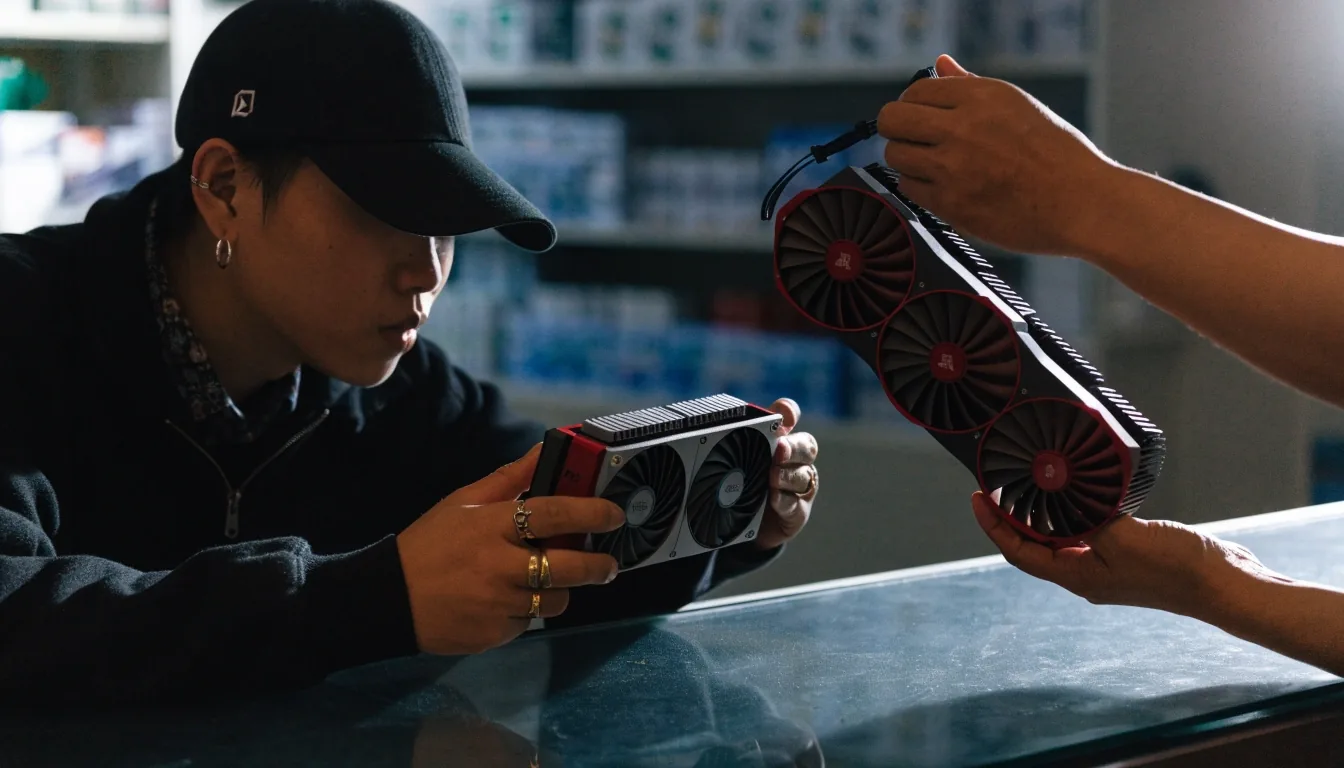
Two graphics card coolers side by side on a counter, raked by cool hard light

Mistake two: not counting VRAM

VRAM is where cards age. It does not change how fast the chip renders a frame, it decides how much texture, geometry and shadow data the card can hold at once. 8GB is a practical 1080p size. 12GB is a workable floor for 1440p. 16GB gives room for high-resolution texture packs and a longer useful life, and it is the safer purchase if you keep a card for several years.

Running out of VRAM does not lower your average frame rate gently. It shows up as stutter, texture pop and a frame-time graph that looks like a saw, usually at the exact moment a scene gets interesting. That is why the memory figure matters more than a small clock advantage on a card with less of it.

Worth knowing: memory is also a large share of what a graphics card costs to build, which is why Korean prices move when memory supply shifts. A card that looks overpriced this month may simply be reflecting what the memory inside it cost to buy.

Memory What it holds up to
  • 8GB 1080p with standard textures
  • 12GB 1440p, and a fair floor for a first 1440p buy
  • 16GB High-resolution texture packs and a long life
  • Cell shows what the size holds up to; it is not a benchmark.

Cores, ray tracing and DLSS: what you are paying for

What CUDA cores actually tell you

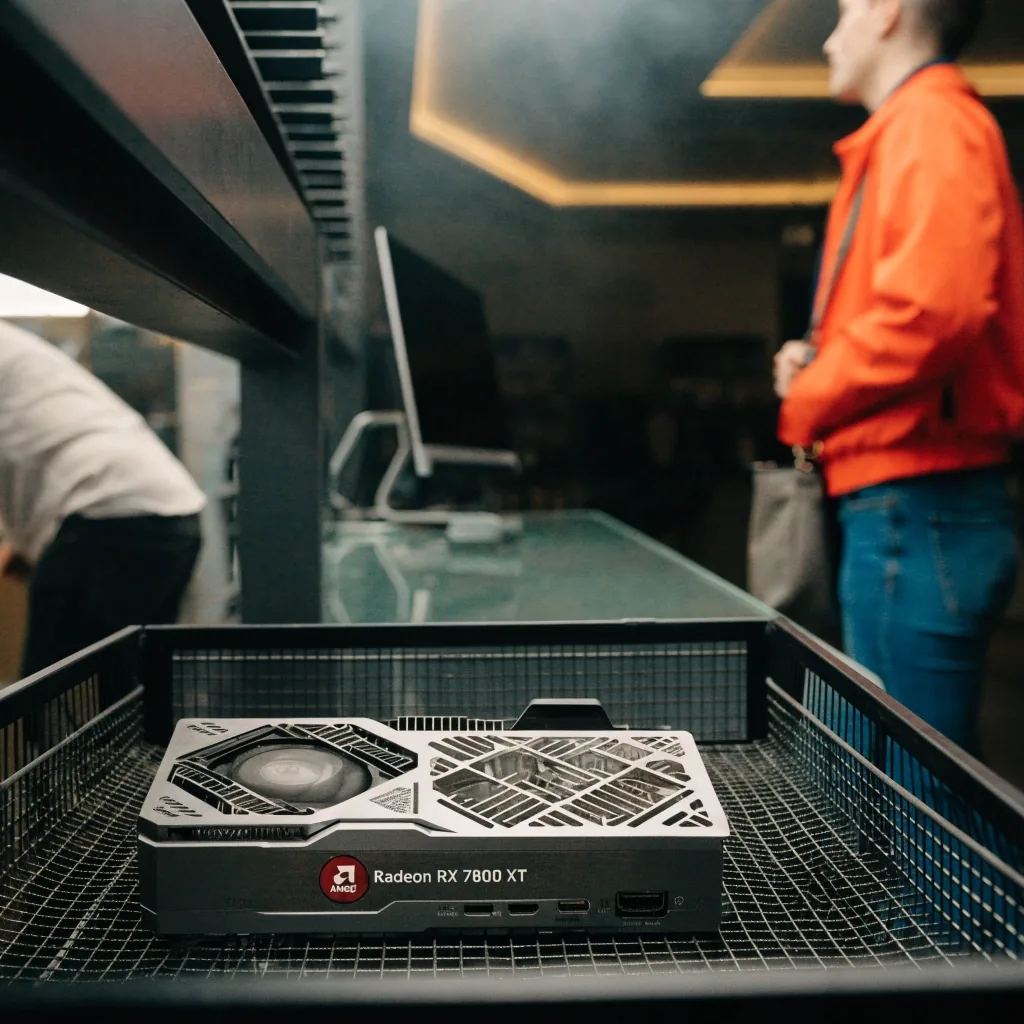
CUDA cores are NVIDIA's parallel processing units, and more of them generally means more shading throughput at the same clock speed. They are not comparable across brands. An AMD stream processor or an Intel Xe core is a different design doing a similar job, so a core count is only meaningful inside one manufacturer's lineup.

Use core counts to compare within a brand, tier by tier, and use reviews or our counter advice to compare across brands. If you are weighing an RTX 50-series card against an AMD or Intel alternative at a similar price, the honest comparison is a review of the specific games you play, not a spec-sheet tally.

Clock speed and architecture generation matter as much as the raw count. A newer chip with fewer cores can outpace an older one with more, which is why generation matters when you shop used.
Ray tracing and DLSS: what you are paying for

Ray tracing renders lighting and reflections more realistically, and it costs performance to do so. DLSS upscales a lower internal resolution to your display resolution, and frame generation adds frames between rendered ones. These features are part of what you pay for in the RTX 50 lineup, and Intel and AMD offer their own equivalents under different names.

If you never switch them on, weigh the price accordingly. A card bought mainly for upscaling quality is a different purchase from a card bought for raw rendering, and both are legitimate. Tell us which side you are on and the shortlist changes.

One practical note for a first build: upscaling works best when you start from a sensible internal resolution. On a 1080p screen there is less room to upscale from than on a 1440p or 4K panel, so the feature is worth more to higher-resolution owners.

Read the GPU comparison

The comparison page lays models side by side on the same columns you just used here.

Choosing a custom cooler, and the power supply check

Two cards, same chip, different noise

Two cards built on the same GPU can differ a lot in noise and temperature, because the board partner chose the heatsink, the fan count and the fan curve. A larger heatsink with three fans usually runs quieter under load, but it takes more space and often costs more. For a compact case a two-fan model may be the only thing that fits at all.

Decide on clearance before you decide on cooler size. A quiet three-fan card you cannot install is worth less than a slightly noisier two-fan card that sits in your case tonight, and many small cases will take the smaller shroud with no real penalty in everyday use.

Find the wattage before you shop

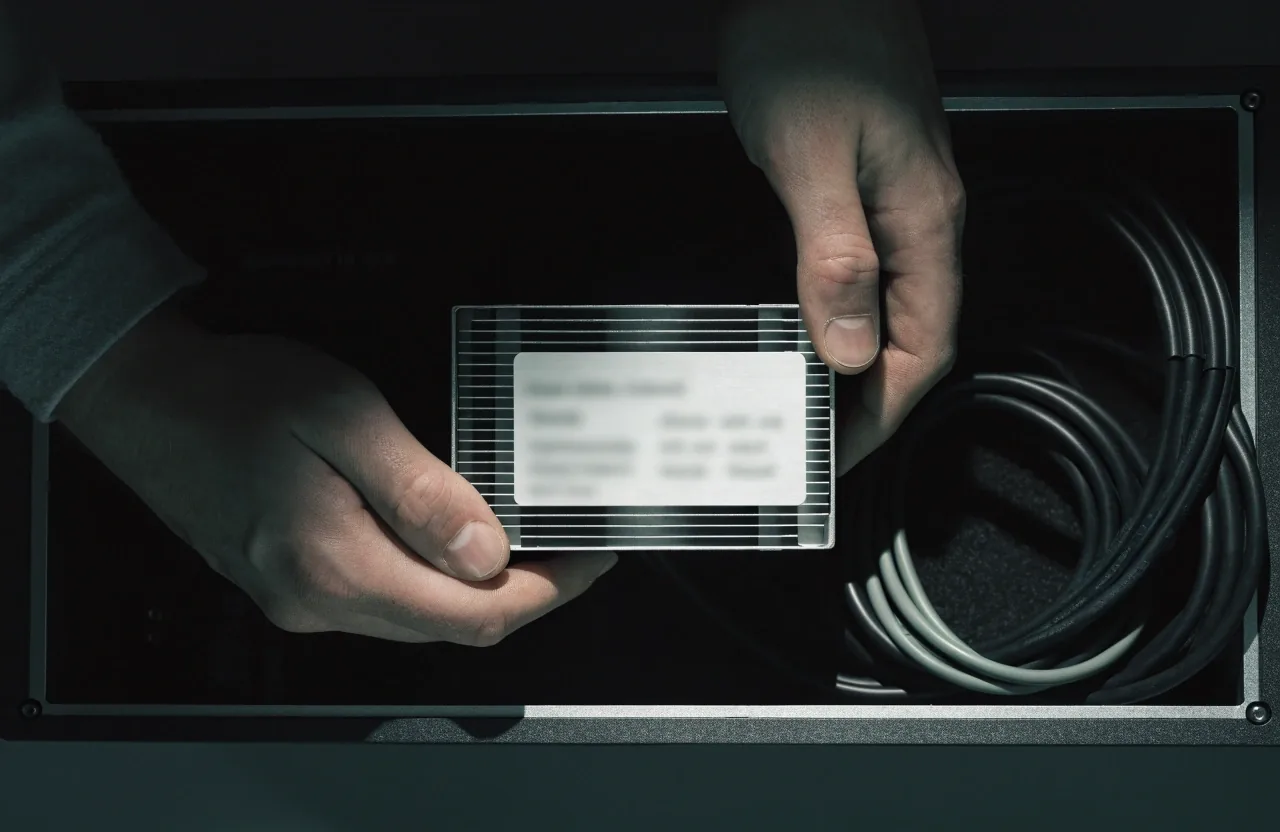
Current cards expect more wattage than the generation before them, and some use a 12VHPWR-style connector. Find the wattage and cable list on your power supply label before you shop: the sticker is usually on the side of the unit facing into the case. If your PSU is old or under 650W, plan for an upgrade with the card rather than after it.

An underpowered system can boot, run office work and then shut down the moment a game puts the card under load. That is a frustrating way to learn the lesson, and it is the second most common reason a first build comes back to the counter.

Clearance in millimeters

Measure from the rear bracket to the front fan or drive cage. That number is your maximum card length, and it is the measurement buyers forget most often. A long three-fan model can exceed 300mm, which rules out many compact cases sold in Korea.

Bring the number with you. We can check a card's listed dimensions against it on the spot, and if you are shopping online, the case maker publishes the same figure you just measured.

Hands holding a power supply unit so its label can be checked inside an open computer case

Read before you shop

  • 650W the practical floor for a current midrange card
  • 12VHPWR a connector style some cards use; check your cable list for it
  • 300mm typical length of a long three-fan model, against your case measurement

Figures are typical sizes, not a promise about any one card.

Buying new, buying used, or waiting

Three honest routes, and the right one depends on how soon you need the card. Prices in Korea also move with memory costs and stock levels, so a wait is sometimes the smart move and sometimes just delay. Scroll the rail sideways.

Buy new

Warranty and current features

New cards carry warranty and the current feature set, including the latest upscaling and frame generation. If something fails in the first months, the route back is straightforward.

  • Ready today 1 2 3 4 5 6 7
  • Warranty 1 2 3 4 5 6 7

Buy used

Still-relevant RTX 30 series

Used cards, including the still-relevant GeForce RTX 30 series, can cost less with no warranty and unknown history. Buy on price, and accept that the history is a question mark.

  • Ready today 1 · 3 5 · 7
  • Warranty 2 4 6 ×

Wait for the next shipment

Watch price against memory cost

Korean prices move with memory costs and stock. If you can wait, ask what is expected in the next shipment to Busan and decide when you have the date. If you need the card now, buy for the resolution and budget you have today.

  • On order 3 · 5 7
  • Ask us 1 2 3 4 5 6 7

Day marks show when each route is typically available at the Haeundae counter; ask us for the current picture before you travel.

Bringing it all to the counter

Come in with three facts: monitor resolution and refresh rate, PSU wattage and connectors, and case clearance. With those, the shortlist is usually two cards, and the decision is about price and features rather than guesswork.

That is the whole method. It is not complicated once the order is right: panel first, memory second, cooler and power last, because the first two eliminate most of the catalog before you spend time on the details.

If you would rather do the homework at home, work down this page in order and keep the three numbers in your phone. The guide still applies when you buy somewhere else.

A wall of closed graphics card boxes on metal shelving under cool morning light

You can also call the Haeundae counter on +82-51-740-2211 during opening hours, Monday to Friday, 09:00–18:00.

Questions we hear at the counter

How much VRAM do I need for 1440p?

12GB is a workable floor, and 16GB is safer if you keep the card for years or use high-resolution texture packs. Below 12GB you will meet texture pop sooner in demanding titles at 1440p.

Can I reuse my old power supply?

Sometimes. Check the wattage and whether it has the connector the card needs. Under 650W or an older unit, budget for an upgrade. A unit that boots fine today can still shut down under gaming load once the new card is in.

Is a used RTX 30-series card a good first buy?

It can be, if the price is right and you accept no warranty. It remains a fallback whenever new cards rise in price. Check the card's length and power connector before you buy, the same as you would for a new one.

What if two cards on my shortlist are the same price?

Compare the memory size first, then the cooler, then whether the features you will actually enable are on both cards. At the counter we can put the two dimensions side by side and check both against your case and power supply.

Start with the three numbers

Resolution and refresh rate, power supply wattage and connectors, and case clearance. Send those and we will come back with a shortlist for your machine, or bring them to the counter at 15, Centum 1-ro, Haeundae-gu, Busan.

Mon–Fri 09:00–18:00 · Haeundae-gu, Busan